
DevOps and deployment, so shipping is the easy part.
Servers set up properly, deploys that run on every merge, and monitoring that tells you about problems before your users do. For Laravel and Node.js apps on AWS, DigitalOcean, any VPS or shared hosting.
Overview
Why work with me.
I ship my own projects, so I set up the servers they run on. A typical Laravel server gets Nginx, PHP-FPM, MySQL and Redis, Supervisor-managed queue workers, Cloudflare DNS and SSL in front, and a GitHub Actions workflow that builds and deploys on every push to the main branch.
Over four years I've deployed to VPS and cloud servers and to cPanel, hPanel and aaPanel hosting through CI/CD. For InfluencerPro I also built a server dashboard that watches services, queue workers, MySQL, Redis, disks, SSL and logs, with one-click fixes for common problems.
Scope
What I can build for you.
Server setup
Linux servers with Nginx, PHP-FPM, MySQL and Redis, documented step by step so they can be rebuilt.
CI/CD pipelines
GitHub Actions workflows that install dependencies, build assets, deploy over SSH and run migrations.
Docker
Containerised development and production environments with Docker and Docker Compose.
Queues & workers
Supervisor-managed queue workers, scheduled jobs, and Redis for cache and sessions.
DNS, SSL & Cloudflare
Domains, Cloudflare DNS, origin certificates and HTTPS everywhere.
Monitoring & migrations
Health dashboards, SSL expiry and log checks, and moves between hosts with minimal downtime.
Technologies
- Linux
- Nginx
- Docker
- GitHub Actions
- CI/CD
- Supervisor
- Redis
- MySQL
- Cloudflare
- AWS
- DigitalOcean
- VPS
- cPanel
Work
Related case studies.

BusinessHub
Worldwide classifieds for buying, selling and funding businesses in 197 countries, with paid ad plans and built-in buyer chat.
- Laravel
- Pusher
- Stripe
- Google Places
- Redis
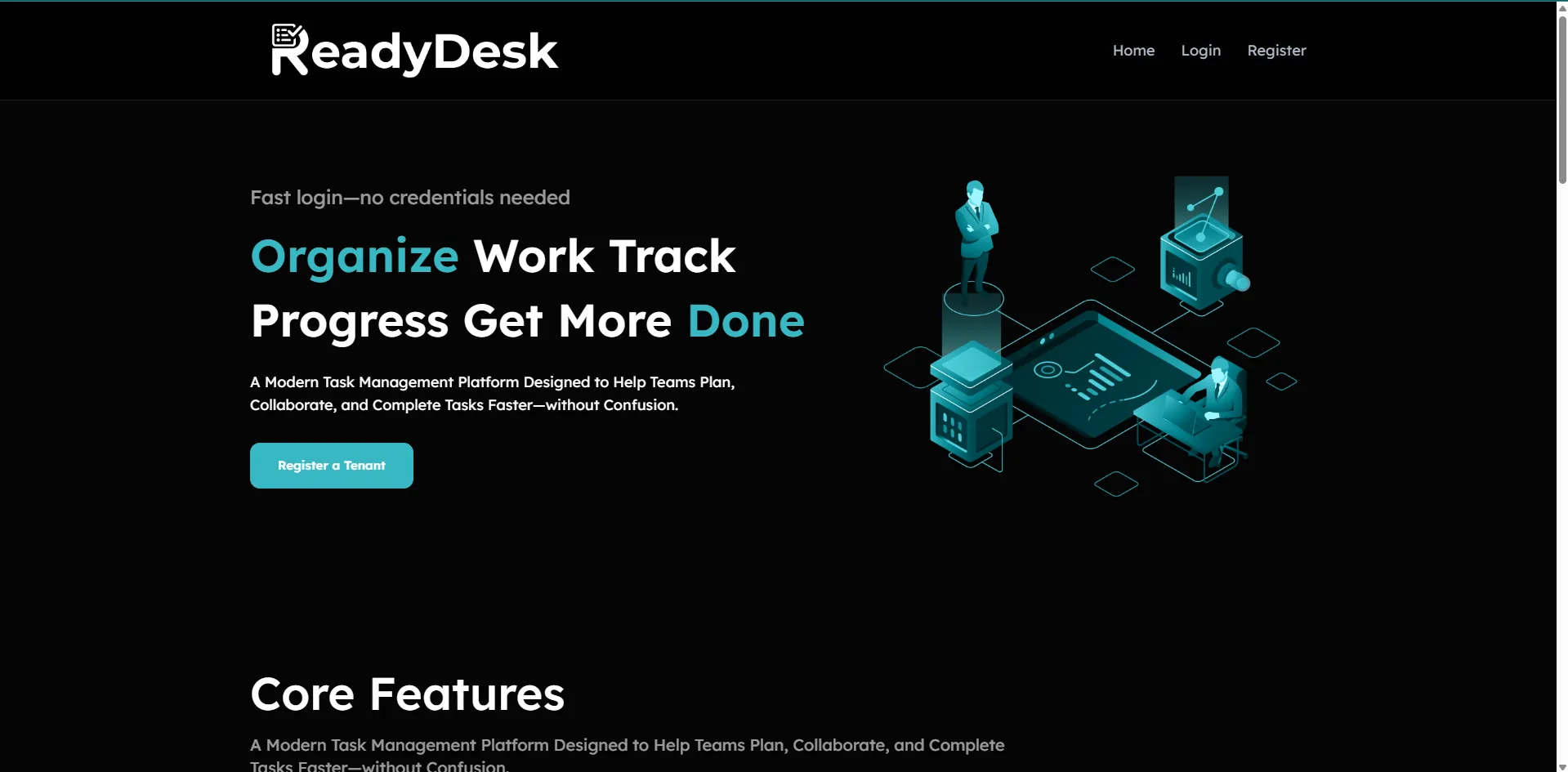
ReadyDesk
A SaaS platform that brings projects, tasks, collaboration, analytics and workflow automation into one place, built to stay fast for thousands of concurrent users.
- Laravel
- Vue.js
- WebSockets
- Redis
- Queues
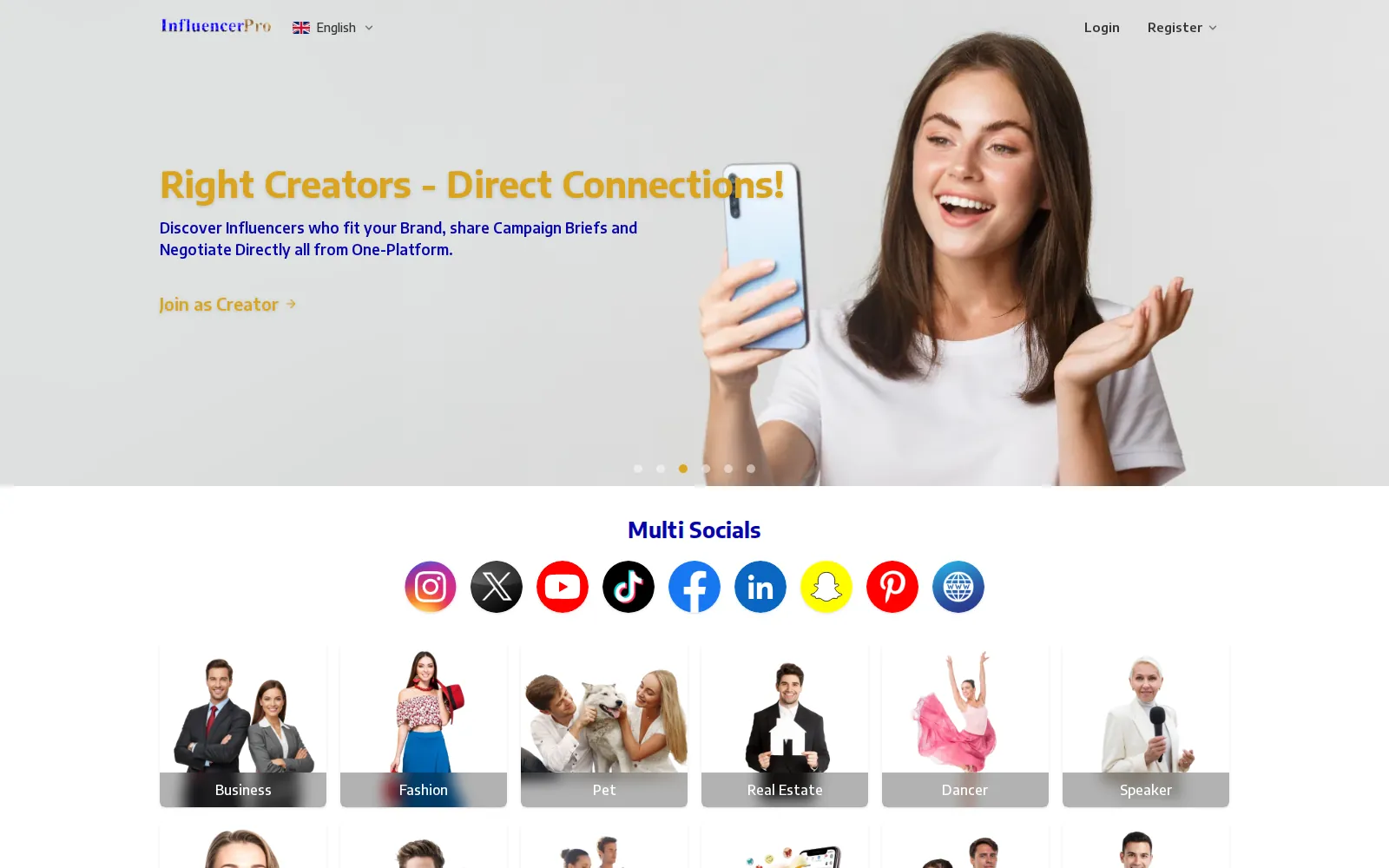
InfluencerPro
A marketplace where brands find influencers across 50+ categories, send briefs and run the whole collaboration, on the web and in a Flutter app.
- Laravel
- Flutter
- Pusher
- Firebase FCM
- Stripe
How we work
From idea to launch.
Step 01
Discovery call
We talk through your goals, your users and the must-have features, so I understand the business problem, not just the feature list.
Step 02
Plan & estimate
You get a written scope, milestones and a transparent quote: fixed-price or hourly, whichever fits the project.
Step 03
Build & review
I build in short iterations with regular progress updates and a live staging link, so you can review as it grows.
Step 04
Launch & support
I deploy to production with CI/CD, then stay on for bug fixes, improvements and maintenance.
FAQ
Questions, answered.
Can you move my app to a new server?
Yes. I set up the new server, copy the code, database and files, test it on a temporary address, and switch DNS once everything checks out, so downtime is minimal.
Do I need Docker?
Not always. Docker helps when several people develop the app or it runs several services; a single Laravel app is often simpler on a well-set-up VPS. I'll suggest what fits.
Which hosting should I choose?
For most Laravel apps, a VPS from DigitalOcean or a similar provider gives the best value for the control you get. AWS makes sense at larger scale, and shared hosting with cPanel works for small sites.
Other services: Website Design & Development · Business Website Development · Custom Web Development · ERP Development · eCommerce Development · Marketplace Development · SaaS Development · Laravel Development · Backend Development · Vue.js Development · REST API Development · Mobile App Development · Laravel Maintenance & Fixes
Need help with servers or deployment?
Tell me what you're building. I'll reply with questions, a plan and a free estimate: fixed-price or hourly, whichever fits.